


📱 Bluetooth Scrolling Remote & Phone Stand – Page Turner & Camera Shutter
📱 Bluetooth Scrolling Remote & Phone Stand – Page Turner & Camera Shutter
BUNDLE & SAVE
Couldn't load pickup availability
-
Ordered
- - -
Order Ready
- - -
Delivered

📱 Bluetooth Scrolling Remote & Phone Stand – Page Turner & Camera Shutter
Put the Phone Down. Keep Control in Your Hand.
Place the screen where it's comfortable to see and use the Bluetooth remote for compatible short-video controls, e-book page turning and phone-camera operation.


If the Phone Is Already on a Stand, Why Keep Reaching for It?
Watching in bed, cooking, working out or sitting at a desk becomes more comfortable when the phone can stay where it is and the common controls move into your hand.
Set the Phone Down. Choose the View.
The tabletop holder supports hands-free viewing and can be positioned for portrait or landscape use — making the setup useful for short videos, longer viewing, live content and reading.

Turn the Page Without Reaching for the Screen.
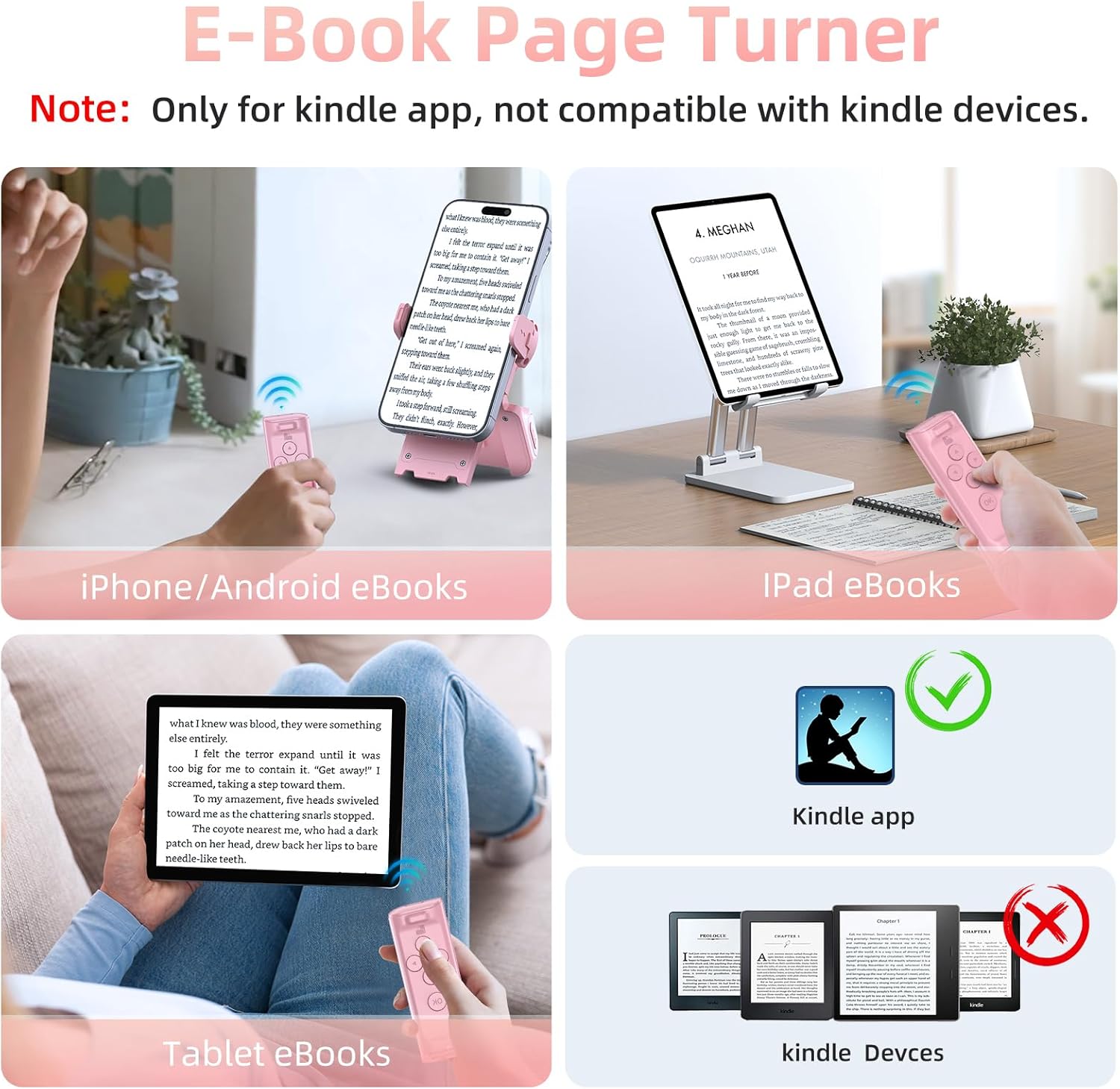
Use previous and next controls in compatible reading apps on supported phones and tablets. Keep the device on a stand, stay comfortable and click forward when you're ready for the next page.

Take the Shot Without Running Back to the Phone.
Use the Bluetooth remote as a phone-camera shutter for selfies, group photos and compatible phone-video control. The supplied listing also describes supported remote-focus functions and an approximate control distance of up to 65 ft / 20 m.

Put the Remote Back Where the Stand Already Is.
The phone-holder base doubles as a storage home for the controller. Magnetic storage helps keep both pieces together between uses.
Charge It Less. Keep It Nearby More.
Built for the Times Touching the Screen Is the Annoying Part.
What the Supplied Product Information Confirms.
Frequently Asked Questions.
Can it scroll compatible short-video apps?
Does the phone stand come with the remote?
Will it turn pages on a Kindle?
Can I use it as a camera shutter?
How long does the battery last?
Keep the Screen Where It's Comfortable.
Put the phone on the stand. Keep the controller in your hand. Scroll compatible content, turn pages and trigger the camera without making every interaction another reach for the screen.


